Give the next cut
a clearer direction.

A good video brief connects the audience and message to the deliverables, timing and person who approves the work. Choose a tool for that handoff, then make the brief concrete here.

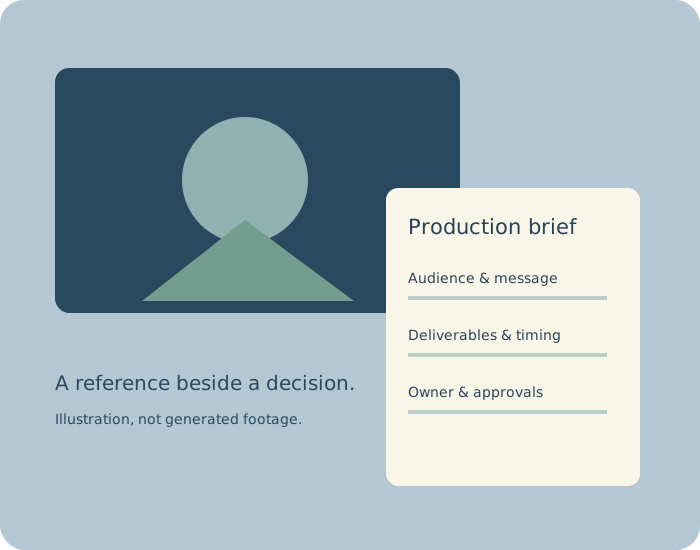
Original illustration of a video frame beside an editable production brief

Briefing and review are different jobs.

Evaluate Milanote when a brief needs visual references beside its direction. Evaluate Notion when the team needs an editable written page with comments. Use Frame.io for notes on an actual cut; its video-review workflow complements a brief rather than replacing the agreed audience, scope and delivery specification.

Documentation checked October 5, 2026. No commercial account tests, conversion benchmarks or current prices are claimed.

Milanote

Its video creative-brief template centers objectives, messages and important shots. The official page describes organizing uploaded media and notes visually, sharing boards and collecting comments.

Check: whether reviewers can find the current decision among references. Separate inspiration from material cleared for production.

Official video-brief template

Notion

The collaboration guide describes shared editing, teammate mentions and comments attached to specific content. Its sharing guide says visitors need a Notion login to comment on or edit a shared page.

Check: permissions and the approval record. A comment or edit is not automatically a formal client sign-off.

Collaboration guide ยท Sharing guide

Frame.io

The V4 guide describes single-frame and range-based comments on media. These pinpoint review feedback on a cut; they are useful once there is footage to discuss.

Check: which cut and time range each note addresses. Retain the brief as the production reference and resolve changes explicitly.

Official commenting guide

The handoff, made visible.

Use your actual direction and delivery requirements. The demo is fictional. This tool creates planning documents; it does not generate video, verify platform specs, measure effectiveness or grant usage rights.

Deliverable specifications

Dimensions, frame rate and runtime are your proposed requirements, not detected platform rules. Pixel dimensions and frame rate must be positive; runtime may be zero while undecided. No video resizing or encoding occurs.

Narrative timing

A real reference from your footage.

Choose a local video supported by this browser. Read its detected dimensions and duration, seek to a moment, then capture a reference frame for the brief. This uses native browser decoding, not AI or transcoding. Files remain local.

No video selected. The brief works without footage.

Capture uses the decoder's seek result and is suitable as a visual reference, not frame-accurate editorial logging. JSON can retain the captured image and source metadata; the original video is never embedded or uploaded.

Current narrative timing
BeatStart secondsEnd secondsDuration secondsDecision / content

Make decisions before production makes them for you.

Illustrated video brief

One audience, one intended action

A brief becomes easier to review when it names who will watch and what they should understand. Put substantiation next to any performance claim. If the evidence is missing, leave the claim as an open question.

A deliverable is more than a runtime

Record dimensions, frame rate, audio and captions for every agreed output. Then confirm those requirements with the distribution owner. A vertical cut may need different composition, words and pacing; do not treat it as a guaranteed automatic crop.

Timing exposes tradeoffs

The beat ledger totals the seconds you entered. If the total differs from the target, revise the plan or agree the change. This arithmetic does not predict spoken duration, edit quality or audience retention.

Approval needs an owner

Name who decides, when they review and what is still unresolved. If later feedback changes the approved message or scope, record the decision before rebuilding the cut. A planning document does not create a formal approval workflow by itself.

Read the brief as the producer.

Can the production team identify the one message to protect?

Ready for a real conversation.

jsPDF 2.5.1 builds the PDF locally. Your brief is not automatically saved, synchronized or delivered. Export JSON before leaving. Unsupported video codecs produce an honest load error; you can continue preparing the written brief. Clearing a reference releases the local video URL and removes its captured frame.

jsPDF project and MIT license

Prepare the next production handoff
Turn your video brief into a focused production plan with Super