Explain the visual idea
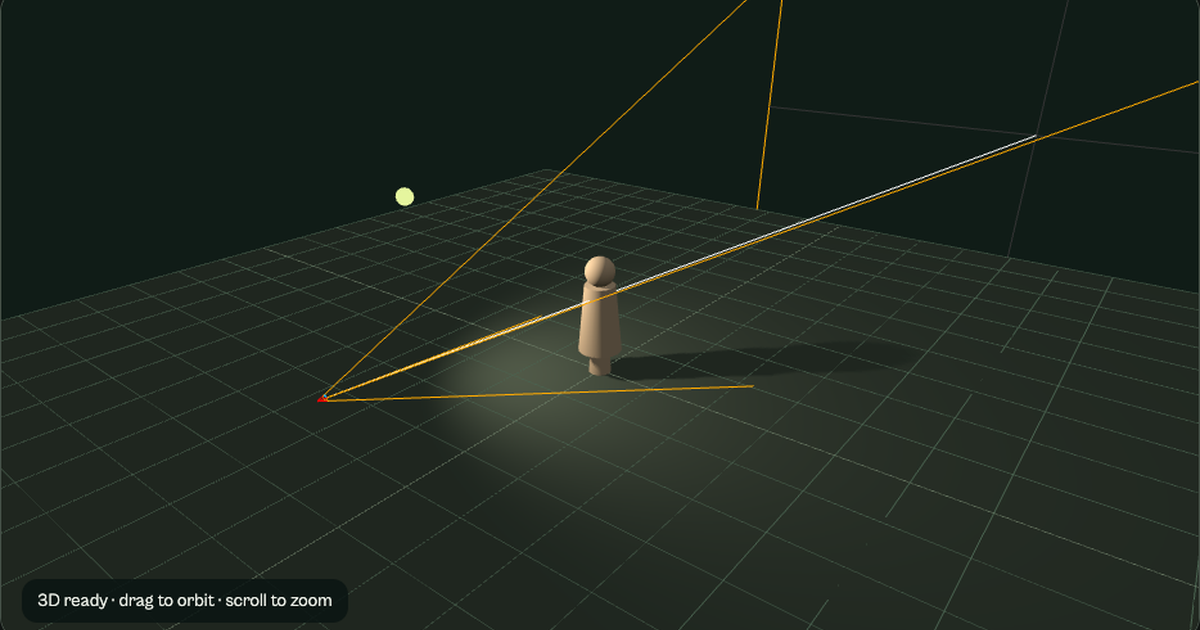
A reference should answer a question. Describe the lighting, perspective or story choice it supports.
The best photography pitch tool depends on what your client needs to approve: a visual direction, a collaborative deck or a clear production scope. Compare four real options, then build a practical six-slide brief.
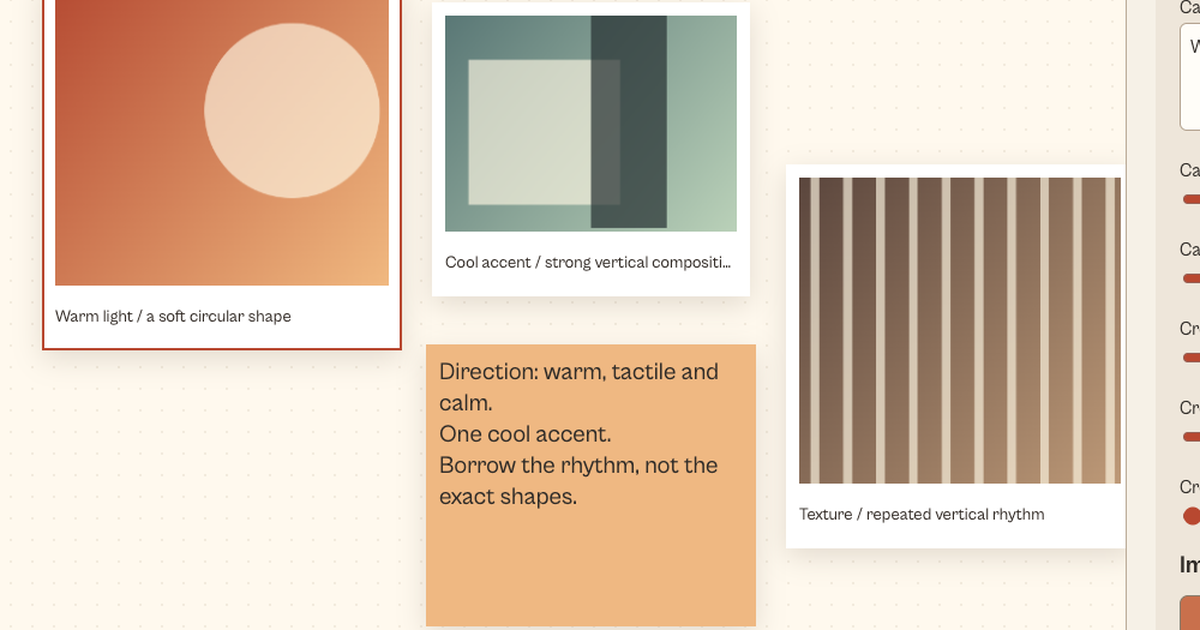
Illustrative treatment cover. Replace it with your own reference in the planner.
Canva is a reasonable starting point for a designed deck with comments and familiar export formats. Pitch suits a team editing slides and sharing a live presentation link. Adobe Express supports presentation creation from prompts or supplied documents. Milanote is useful when the client first needs to agree on a visual reference board. These recommendations are editorial inferences from the documented features below, not the result of hands-on commercial product testing.
| Tool | Documented capability | Photography use | Decision to check |
|---|---|---|---|
| Canva | Presentation templates, comments, assigned tasks, real-time editing and exports including PDF and PowerPoint. | A designed client deck combining your own shoot references and brief. | Check assets and permissions before sharing. Canva warns that cropped images in PDF exports can retain the uncropped source image. |
| Pitch | Slide assignment, status tracking, access-managed links and PDF export. | A collaboratively edited treatment with an up-to-date client link. | The documented free PDF export has a watermark. Video, GIFs and animations do not remain interactive in the PDF. |
| Adobe Express | Presentation generation from a prompt or source files, editable slides and PDF/PPTX export. | An outline-to-deck workflow using a supplied creative brief. | Review generated imagery and factual details. Generated visual suggestions are not proof that you can deliver a proposed photograph. |
| Milanote | Board export as PDF, PNG, Word, Markdown and plain text. | A visual-direction board before the production deck is finalized. | PDF/PNG export fits the board on one page. A very large board may be hard to read; separate decisions into smaller boards. |
Feature documentation checked October 5, 2026. Subscription prices and account-specific entitlements are not compared here; check each provider before buying. This shortlist addresses four distinct workflows rather than ranking every presentation product.
Start with a reference board. Annotate what each image means: lighting direction, framing or texture. Use your own work when it demonstrates what you can deliver.
Pick a slide workspace that fits the team's existing access and review process. Agree on one owner for the final client version and export a dated PDF when a fixed record is needed.
Document deliverables, production assumptions and proposed usage separately. A beautiful deck does not replace a negotiated estimate, appropriate releases or the final agreement.
A reference should answer a question. Describe the lighting, perspective or story choice it supports.
Use your own rates and costs. Keep production and proposed usage fees separate instead of hiding a licensing multiplier.
End with the specific approvals required to proceed: direction, deliverables, timing and usage scope.
This local planner produces a six-slide PDF outline and editable JSON. It does not generate images, negotiate rights, research market rates or create a binding contract. The populated demo is fictional; every amount is editable.
Demo loaded. Change a field to update your preview.
Prepared for Fieldwork Studio
Proposed estimate only. Usage scope and final agreement require approval.
Your inputs and images stay in this tab's memory and are not uploaded. The planner resamples selected images for the PDF; keep original files separately. JSON contains text and numerical inputs, not image files. Reset removes the current brief and reference previews. Reloading discards unsaved input.
A treatment is useful when it turns visual intent into concrete decisions.
Explain who will see the work, where it will appear and what response you want. A lifestyle hero for a product launch and a catalogue image solve different problems; their references and deliverables should reflect that.
Annotate the part you want to discuss. “Soft window light from camera left” gives a producer more information than “premium mood.” Keep reference credit and sharing permission visible. Do not imply another creator's image is your portfolio.
Describe the subject, framing and intended placement. Separate a hero composition with copy space from close details and utility product views. State the number of final images and the proposed editing scope.
Make shoot and postproduction estimates visible. Separately describe proposed media, term, territory and exclusivity, then enter the usage fee you want to discuss. This planner supplies no automatic market value or legal certification.
Ask the client to approve direction, deliverables, schedule and proposed usage. Carry those decisions into the appropriate estimate and agreement. Do not treat an attractive slide or an unanswered email as a completed sign-off.
“Could the client explain the difference between the hero shot and the supporting frames?”
Questions to use in your own review. These are not customer quotations.
No. The planner structures the inputs you supply and exports them locally. The comparison discusses provider-documented AI features where applicable; those products are separate services and are not invoked by this page.
No. The usage slide records proposed discussion points. It is not an executed agreement or a rights grant. ASMP's published example describes one photographer's agreement, not a universal pricing standard.
The PDF has six core sections and adds continuation pages when long input needs more room. Export JSON to retain editable text and numerical inputs, or copy the outline into the presentation product you choose. Images are not embedded in the JSON and should be kept separately. PDF export uses a built-in Latin font; for other writing systems, retain the JSON and use a presentation editor with the appropriate fonts.
Review every claim, remove placeholders, verify asset permissions and distinguish references from your own commissioned output. Verify that the proposed shot list and production estimate describe work you can actually deliver.
Checked October 5, 2026 using official product documentation. No customer survey, commercial-product test, ranking score or pricing benchmark is claimed.
Presentation capabilities support the collaboration and export descriptions. Download file types documents the uncropped-image PDF caveat.
Pitch-deck workflow supports assignment, status and sharing features. PDF export documentation supports watermark and unsupported-media limitations.
Adobe presentation maker and AI workflow documentation describe generation and export. Milanote export documentation explains supported formats and the single-page board behavior.
ASMP's commercial licensing example provides context and explicitly disclaims setting prices. The local PDF export uses pinned jsPDF 2.5.1. No retrieved APA rate standard is asserted.