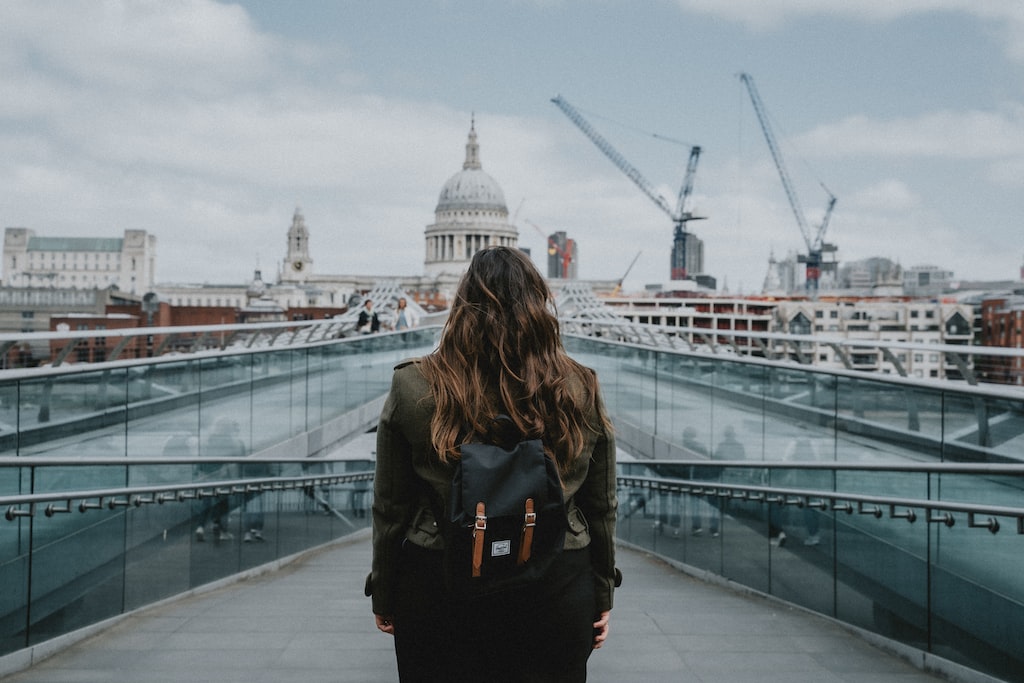
Use a clear subject, inspect the edges, and keep the transparent original so your next edit stays reversible.
How to remove a background here
- Load the demo or a JPEG, PNG or WebP photo. The original appears before any model download.
- Select Remove background. The first run downloads the quantized IS-Net model and its WASM runtime; the model alone is about 44 MB in the pinned distribution. Download and computation speed depend on your device and network.
- Move the comparison slider. Check hair, fine edges, shadows, transparent materials and any area the model interpreted as background.
- Try a light and a dark preview. A fringe that disappears on white may become obvious on dark green.
- Download transparent PNG to preserve the alpha channel. Download preview PNG only when you want the chosen background baked in.
Implementation: IMG.LY’s browser API, using @imgly/background-removal 1.7.0. No speed or accuracy benchmark is claimed.
Product images
Start with one distinct object and an uncluttered background. Check holes, handles, shiny surfaces and cast shadows. A model may remove a useful shadow or keep a distracting one.
Portraits
Inspect loose hair, glasses, fingers and motion blur. A clean silhouette at thumbnail size may still have visible defects at print size.
Complex scenes
Multiple people and overlapping objects make “foreground” ambiguous. Choose another photo or finish the mask in an editor when this tool keeps the wrong subject.
Transparent objects
Glass, veils and reflections are difficult. This tool has no manual brush or color decontamination; use a layer editor for precise local repairs.
Local AI versus a manual mask
| Approach | Good fit | Tradeoff |
|---|
| This local ML tool | A quick cutout of a clear subject | First model download, device memory, uncertain fine edges |
| Manual editor mask | Precise selection and repairs | More effort, better control of individual edges |
| Hosted background service | Convenient server processing | Review upload/privacy policy, pricing, limits and output quality first |
Choose by the image and the required finish, rather than assuming one approach wins every time.
What happens under the hood?
The pinned library runs an IS-Net image-segmentation model with ONNX Runtime. The worker computes a foreground alpha mask and encodes the cutout as PNG. The interface then previews your original beside the result; the color preview is a separate canvas composition. The library describes its model and browser execution in the official repository. The underlying research is Highly Accurate Dichotomous Image Segmentation.
CPU/WASM is used for broader compatibility. This page does not claim WebGPU support or professional retouching accuracy. The engine is AGPL licensed; source and notices are available below.
Common questions
Is my photo uploaded?
No photo upload is implemented in this tool. Your selected file is sent to the local worker. The browser downloads model/runtime files, fonts, and the bundled example photo, and the host may run its normal analytics.
Why is the first run slow?
The model and runtime must download before inference can begin. A progress callback shows downloaded resources; later computation is not a reliable percent-complete estimate. A later run may use browser caches, but caching is not guaranteed.
What does Cancel do?
It terminates the dedicated worker, abandoning downloads and inference for this run. The original stays visible and export remains unavailable until a complete result exists. Cancel does not clear browser caches; use browser settings for that.
Why does the output need manual cleanup?
The model estimates the mask, so ambiguous subjects, transparent surfaces and fine details can be wrong. This interface has no manual mask editor. Export the cutout into an editor, or choose a cleaner source photo.
Can I use it on my phone?
You can try a current mobile browser, but the model needs memory and CPU time. If inference fails, use a smaller photo or a desktop browser. An error is shown instead of a fabricated result.