Premier League · Full time5 signals
North City FC2 - 1United AFC
Football scoreboard region
A precise Chrome extension for X
A tiny Manifest V3 extension that recognizes football scoreboards, removes them from the timeline, and deliberately leaves creator analytics routes alone.
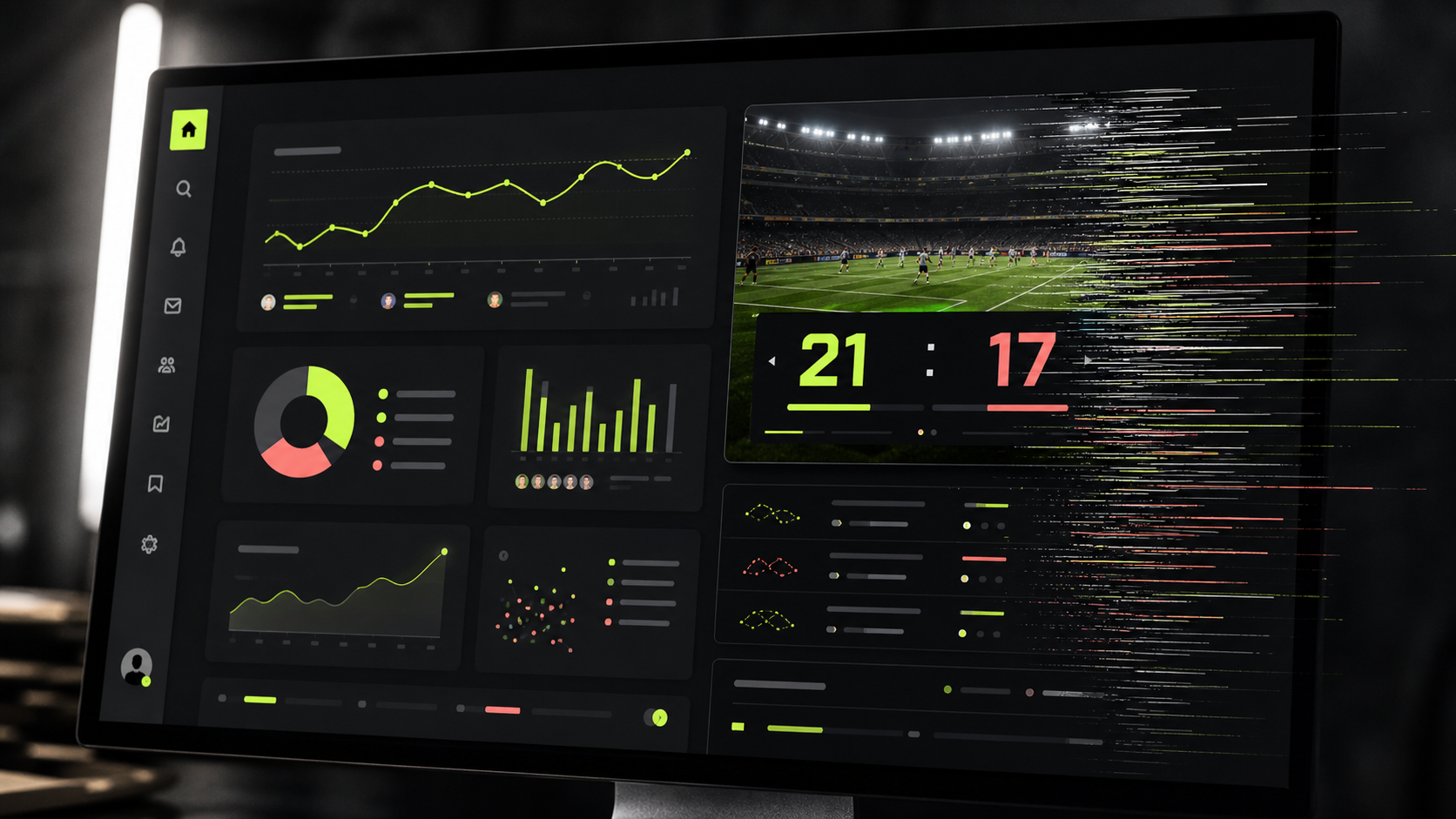
Run the same decision boundary
The workbench mirrors the extension's conservative rule: a region must cross a multi-signal threshold, and protected analytics routes bypass filtering completely.
Balanced defaults loaded
Football scoreboard region
The rest of X stays exactly where it was.
Impressions and audience reporting remain visible.
Narrow by design
Protected
/i/account_analytics
Useful artifact
Dynamic X pages
The boundary matters
Scoreboard Sieve does not hide generic sidebars, trends, cards, or dashboards. It looks for several football-score signals in the same candidate region. On creator analytics and monetization routes, it reveals any previously filtered regions and stops scanning.
Inspect before install
Manifest, content script, popup controls, installation guide, and every route guard used by the extension.
Only pages on x.com and twitter.com. The sole browser permission is storage for the enabled state and strictness setting.
Unzip the bundle, open Chrome extensions, enable Developer mode, then choose Load unpacked and select the extension folder.