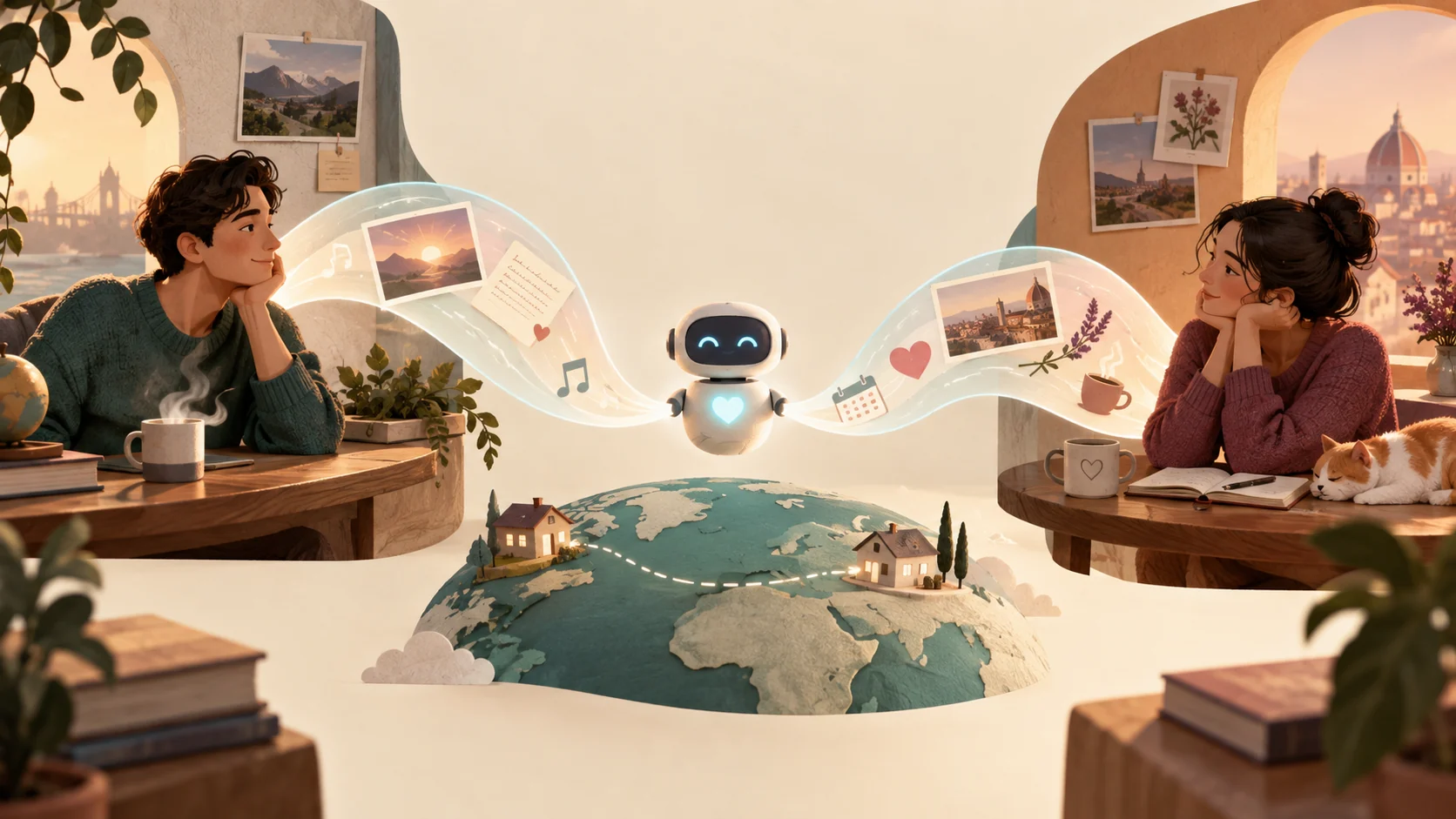
How an AI assistant helps long-distance couples
An AI assistant helps long-distance partners by managing the mental load of coordination rather than speaking for them. Instead of trying to automate romantic connection, partners use assistants to solve three practical problems: tracking differing time zones, keeping track of personal details mentioned in passing, and establishing sustainable routines that avoid digital fatigue.
When partners live across borders or time zones, simple missteps cause stress. You might ring your partner while they are asleep, or forget that their big doctor appointment happened this morning. An assistant acts as a personal scratchpad. You log notes like "Maya has her team review on Thursday afternoon Lisbon time" and ask for a quick summary before your evening call.
Technology should never write intimate messages on your behalf. Trust grows through honest, imperfect human sharing. An assistant works best as an administrative buffer: organizing shared movie nights, coordinating flight arrival schedules, and reminding you of commitments so your face-to-face video time stays warm and unhurried.
The three friction points distance creates
Physical separation changes how information flows between two people. When living together, you absorb your partner's mood from their posture when they walk through the door. At a distance, that ambient context disappears. Three recurring friction points emerge:
- Time zone misalignment: Calculating eight-hour offsets while handling your own workday leads to delayed replies, unintentional disruptions, and phone calls that catch someone half-awake.
- Fading narrative threads: In casual texting, small remarks get lost. Your partner mentions their dog seemed sick on Tuesday, but by Sunday dinner, you have forgotten to ask about the vet visit.
- Schedule burnout: When couples feel disconnected, they often overcompensate by scheduling endless open-ended video calls. When work gets busy, missing one creates unnecessary guilt.
Recognizing these friction points as administrative challenges rather than emotional shortcomings prevents blame. An assistant gives you a low-friction place to jot down thoughts, calculate timing, and structure check-ins that fit both lives.
A worked example: coordinating across an 8-hour gap
Consider Elena in Chicago (Central Time) and Marcus in Berlin (Central European Time), who face a seven-hour difference. Without a structured plan, Elena wakes up to five messages from Marcus, but when she replies during her lunch break, Marcus is already preparing for bed. Both feel they are talking past each other.
Here is how they set up a lightweight support workflow using their assistants:
- Asynchronous briefing: Before going to sleep, Marcus dictates a two-minute voice note to his assistant, summarizing his day and flagging one priority for tomorrow: "Meeting my landlord at 3:00 PM my time to fix the heater."
- Context review: When Elena takes her morning coffee, she asks her assistant for her personal day overview and notes Marcus's morning message. She sends a short text: "Good luck with the landlord this afternoon!" It arrives right when Marcus is dealing with the landlord.
- Protected synchronous time: Rather than forcing daily two-hour video sessions, they reserve two specific evenings per week for dedicated video dates. They use an assistant to compile a shared list of conversation topics, recipes to cook simultaneously, and upcoming travel booking dates.
Elena and Marcus do not ask AI to draft their romantic messages. They use the tool to make sure real-world events are remembered and respect each other's sleep schedules.
Tradeoffs and privacy boundaries to consider
Bringing software into your personal life requires clear boundaries. Storing sensitive thoughts or relationship records carries specific tradeoffs:
| Practice | Advantage | Risk or Tradeoff |
|---|---|---|
| Logging conversation milestones | You remember critical dates, family news, and health updates without stress. | Over-reliance can make your attention feel calculated or mechanical if you treat notes as a script. |
| Time zone and travel scheduling | Prevents waking your partner during odd hours; simplifies complex flight plans. | Requires keeping local daylight saving shifts and calendar entries accurate. |
| Drafting creative dates or gift ideas | Offers fresh inspiration when distance makes dates repetitive. | Generic suggestions lack personal history unless you tailor them with genuine shared memories. |
| Automating text generation | Saves a few seconds of typing when busy. | Undermines authentic intimacy. If your partner discovers automated replies, emotional trust erodes. |
Keep your assistant focused on organizing facts, timing, and ideas. Never delegate personal reflection or heartfelt declarations to an automated generator.
Four steps to set up a distance workflow today
Setting up an effective routine takes less than fifteen minutes. Follow these practical steps:
- Map your active overlap window: Identify the 60 to 90 minutes each day where both of you are awake and not trapped in meetings. Designate this as your casual messaging window. Outside this window, agree that instant replies are never expected.
- Establish a "drop box" for dates and ideas: Create a single note or assistant prompt where both partners store books to read, films to watch, or future travel itineraries. When planning your weekend call, pull from this list.
- Store personal context cues: Whenever your partner mentions a stressful meeting, a doctor's visit, or a friend's milestone, record a brief note with the target date. Review these notes before your weekly calls.
- Schedule an unscripted reset: Every two weeks, evaluate your communication pacing. If daily video calls feel tiring, switch to audio messages or letter writing. Personal wellbeing directly supports connection; self-care habits help sustain emotional energy, as noted by the National Institute of Mental Health.
Common mistakes and how to fix them
When couples adopt digital tools to bridge distance, several predictable pitfalls occur:
- Treating the assistant like a ghostwriter: Using an AI model to draft "good morning" texts turns heartfelt communication into synthetic output. If you only have ten seconds, a genuine "Thinking of you between meetings, talk tonight!" is worth more than three polished AI paragraphs.
- Allowing logistics to dominate your calls: When long-distance calls turn entirely into calendar reviews, apartment hunting updates, and ticket confirmations, warmth disappears. Handle logistical tracking in your assistant beforehand so video calls remain focused on how you both feel.
- Ignoring digital exhaustion: Spending all day on video calls for work makes evening video dates feel like another assignment. When screens cause strain, switch to phone calls while taking an evening walk.
- Expecting synchronous parity: If one partner has a spontaneous schedule and the other needs structured calendar invites, tension arises. Use an assistant to translate needs gently: let the structured partner keep their calendar updated while giving the flexible partner clear notification buffers.
Connecting workflows beyond basic chat with Super
While messaging tools, such as Nozomio Labs' folk.com personal texting assistant, offer convenient conversational interactions directly in personal messaging channels, complex long-distance planning often demands more than a running text thread. For instance, when you and your partner are planning a two-week reunion trip across multiple cities, coordinating flight legs, train tickets, and shared activity options quickly overflows a simple messaging prompt.
This is where Super expands your workflow. Super can generate hosted, interactive web pages for your travel itinerary or shared calendar that both partners can view and interact with in any browser. Through cloud app and browser automation in isolated sandboxes, Super can research travel combinations, gather activity options, or automate repetitive web lookups. Super supports SMS, web, a native Mac client, a Chrome extension, and hosted MCP client access at https://app.getsupers.com/mcp. When running repeated queries, cache hits replay stored responses while cache misses call upstream models to provide fresh data.
When your planning calls for an interactive shared artifact rather than an ephemeral text snippet, a dedicated hosted web page keeps both partners organized on one clean view.
Common questions
Can an AI assistant send text messages to my partner automatically?
While some platforms support automated messaging, we advise against automating personal texts to your partner. Automating intimate communication removes genuine care. Use assistants to remind you to send messages or help coordinate schedules, but write your own words.
How do we handle large time differences without disturbing each other?
Set explicit quiet hours on your phones and agree on an asynchronous messaging contract. Use your assistant to check your partner's local time before placing calls. Voice memos work well because your partner can listen whenever they wake up.
What is the difference between an AI texting assistant and a shared calendar?
A shared calendar holds static dates and appointments. A conversational assistant helps you capture unformatted thoughts (such as "Sarah mentioned her sister is visiting next weekend"), compute time zone differences on the fly, and summarize open tasks into concise plans.
Is it safe to store personal relationship information in an AI assistant?
Avoid storing sensitive personal credentials, private financial data, or intimate media in AI assistants. Treat the assistant as a logistical planning notebook for schedules, gift ideas, travel plans, and conversational reminders.
Editorial note: Super publishes this guide. Topic research includes Folk’s article on this topic. This is an independently written guide, not an affiliation or a tested product ranking. Product capabilities can change; review current documentation before choosing a service.