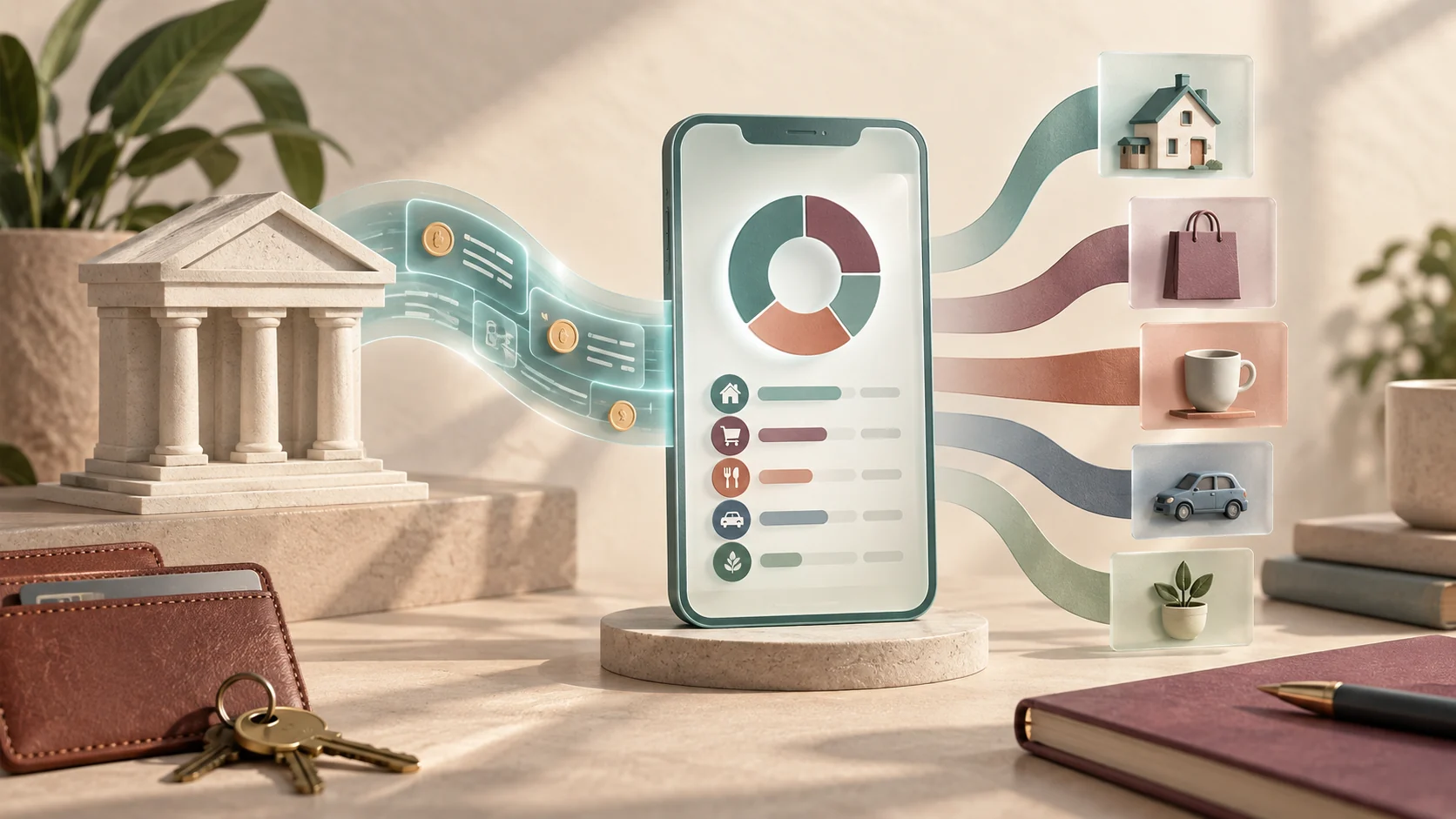
How bank-linked budgeting tools operate
A bank-linked budgeting application uses financial data aggregators (such as Plaid, MX, Yodlee, or Finicity) to establish a read-only token connection with your financial institution. When connected, the app pulls transaction logs, pending charges, and account balances without storing your online banking password directly on the budgeting developer's servers.
Published by Super, this guide evaluates the real mechanics behind these connections. Instead of choosing an app purely based on visual appeal, experienced budgeters evaluate four core functional capabilities:
- Sync reliability: How smoothly the connection reconnects after multi-factor authentication (MFA) prompts or weekend maintenance windows.
- Rule flexibility: Whether you can establish custom rules for recurring merchant tags, splits, and transfers between internal accounts.
- Budgeting philosophy: Whether the software enforces envelope-style zero-based budgeting, past spending reporting, or forward cash-flow forecasting.
- Data retention and privacy: How your anonymized transaction metadata is handled, whether marketing partners receive insights, and how simple it is to wipe your historical data upon closing an account.
Key criteria when comparing bank-connected apps
Not all automated connections are created equal. Different providers prioritize different parts of the financial workflow:
| Feature Dimension | Zero-Based Envelope Tools | Tracker and Reporting Apps | Cash Flow and Bill Planners |
|---|---|---|---|
| Primary Focus | Assigning every earned dollar before spending | Categorizing historical spend and net worth | Anticipating daily balance troughs between paydays |
| Connection Handling | Requires regular transaction approval and clearing | Passive background sync without manual matching | Focuses on recurring charge schedules and due dates |
| Best For | Aggressive debt paydown or tight margins | General financial awareness and tax categorization | Managing irregular income and avoiding overdrafts |
| Failure Impact | A missing sync stalls category balances | Minimal daily impact; charts catch up later | High; unexpected charges can cause cash crunches |
According to the Consumer Financial Protection Bureau, tracking income, spending, and bill dates is the foundation of any reliable personal budget (CFPB Budgeting Guide). Understanding when money leaves your account is just as crucial as tracking how much leaves.
Worked example: diagnosing a failed sync and transaction discrepancy
Consider Sarah, who connects her primary checking account, savings account, and credit card to a budgeting app. On the 3rd of the month, she pays her $1,200 rent via an online portal and pays $450 toward her credit card bill from checking.
The problem
Two days later, Sarah notices three confusing issues in her dashboard:
- The checking account balance inside the app is $450 higher than what her mobile banking app shows.
- The $450 credit card payment is recorded as an 'Entertainment' expense in checking and 'Uncategorized Income' on her credit card.
- Her rent payment is completely missing.
The systematic fix
Here is how to resolve standard aggregator mismatches:
- Check transaction clearance state: The credit card payment is likely in 'Pending' status at the bank. Many aggregators wait until a transaction fully posts before presenting it to avoid duplicate entries.
- Reclassify internal transfers: Automated categorization rules often misinterpret a credit card payment as an outflow expense rather than an internal balance transfer. Sarah manually changes both line items to a 'Transfer' category, offsetting them so her monthly spending does not artificially spike by $450.
- Verify connection credentials: The rent payment portal pulled funds via ACH, causing an out-of-band security flag on the checking account connection. Sarah opens her app's connection settings, completes an MFA prompt via SMS, and initiates a forced refresh. The rent payment appears immediately.
Tradeoffs of automated bank syncing vs. manual entry
While automatic feeds save time, they introduce distinct tradeoffs that every household should consider before authorizing third-party access:
- Friction vs. awareness: Manually entering expenses forces deliberate mindfulness every time money changes hands. Passive syncing can lead to checking the budget once a week after spending decisions have already occurred.
- Data freshness lag: Bank feeds rarely update in real time. Weekend transactions, pending restaurant tips, and gas station pre-authorizations can take 48 to 72 hours to finalize, creating a temporary gap between your dashboard and your real-world balance.
- Credential and session timeouts: Financial institutions frequently roll out security updates, which inevitably disconnect aggregators. If you maintain accounts across three banks and two credit unions, expect to re-authenticate at least one link every few weeks.
- Privacy considerations: Even with tokenized read-only APIs, granting a platform access to your full financial history requires trusting their security practices and privacy terms.
Common mistakes when setting up automated bank feeds
Avoiding a few early missteps will save hours of cleanup later:
- Letting the default machine learning categorize unchecked: Aggregators frequently mistake medical copays for general retail, or gas stations for convenience grocery stores. Always review and customize your categorization rules during the first thirty days.
- Counting credit card payments twice: If you record a $300 purchase when you buy groceries with a credit card, and later record the $300 bank transfer paying off the card as an expense, you have doubled your reported costs. Ensure card payments are tagged as transfers.
- Ignoring account buffer timing: Having enough money on average across a month does not prevent an overdraft if your largest bills leave on the 1st and your paycheck arrives on the 15th. The CFPB highlights that cash flow timing is critical, especially when income fluctuates (CFPB Emergency Fund Guide).
- Connecting dormant or auxiliary accounts: Connecting accounts you rarely touch introduces extra sync alerts and reconnection prompts. Connect only the checking, savings, and credit accounts you actively use for monthly operations.
Step-by-step checklist to set up a new budgeting app
Follow this checklist when linking accounts to guarantee clean data from day one:
- Audit your accounts: List every active checking, high-yield savings, and credit account you use for household operations.
- Confirm multi-factor authentication (MFA): Ensure your primary bank account has an up-to-date phone number or authenticator app configured so sync tokens can connect smoothly.
- Connect one account at a time: Link your primary checking account first. Review the imported transaction names and categories before adding secondary credit cards or investment accounts.
- Establish transfer rules: Immediately set up classification rules so payments between your checking and credit card accounts do not trigger false budget warnings.
- Schedule a weekly reconciliation date: Set aside ten minutes every Sunday to approve newly imported charges, clear pending items, and check that running balances match your bank statements.
Extending your financial workflows with Super
While budgeting tools excel at tracking categorized ledger items, households often need custom calculators, specialized debt payoff schedules, or private financial dashboards tailored to their specific family goals.
Super generates hosted interactive websites, sandboxes, and cloud app automations through SMS, web, and desktop clients. Instead of being restricted to standard charts, you can prompt Super to build a custom cash runway calculator or bill-splitting tool as an interactive web page. Because Super supports repeatable computer-use caching and hosted Model Context Protocol (MCP) connections, you can draft private scenario models locally or link external research workflows without sharing sensitive banking credentials with unnecessary third parties.
Common questions
Can budgeting apps move money or make unauthorized withdrawals?
Standard budgeting apps use read-only aggregator tokens. They can inspect your transaction history and balances, but they do not hold authority or credentials to initiate fund transfers or schedule bill payments on their own.
Why do my bank connections frequently disconnect?
Financial institutions regularly update their security tokens, session cookies, and multi-factor requirements. When a bank updates its fraud protection or login protocol, the aggregator's token expires, requiring you to re-authenticate.
What happens if a merchant name imports incorrectly?
Most budgeting tools allow you to create merchant rename rules. Once you correct a cryptic code like 'SQ *COFFEE ROAST' to 'Corner Cafe', future transactions from that merchant identifier will categorize correctly.
Is it safe to link a high-yield savings account?
Yes, savings accounts connect through the same encrypted read-only aggregator infrastructure. Linking savings can help track emergency funds and interest income, though it is not strictly required if you only track daily operating expenses.
Editorial note: Super publishes this guide. Topic research includes Folk’s article on this topic. This is an independently written guide, not an affiliation or a tested product ranking. Product capabilities can change; review current documentation before choosing a service.