How Text Reminders Work Across Different Systems
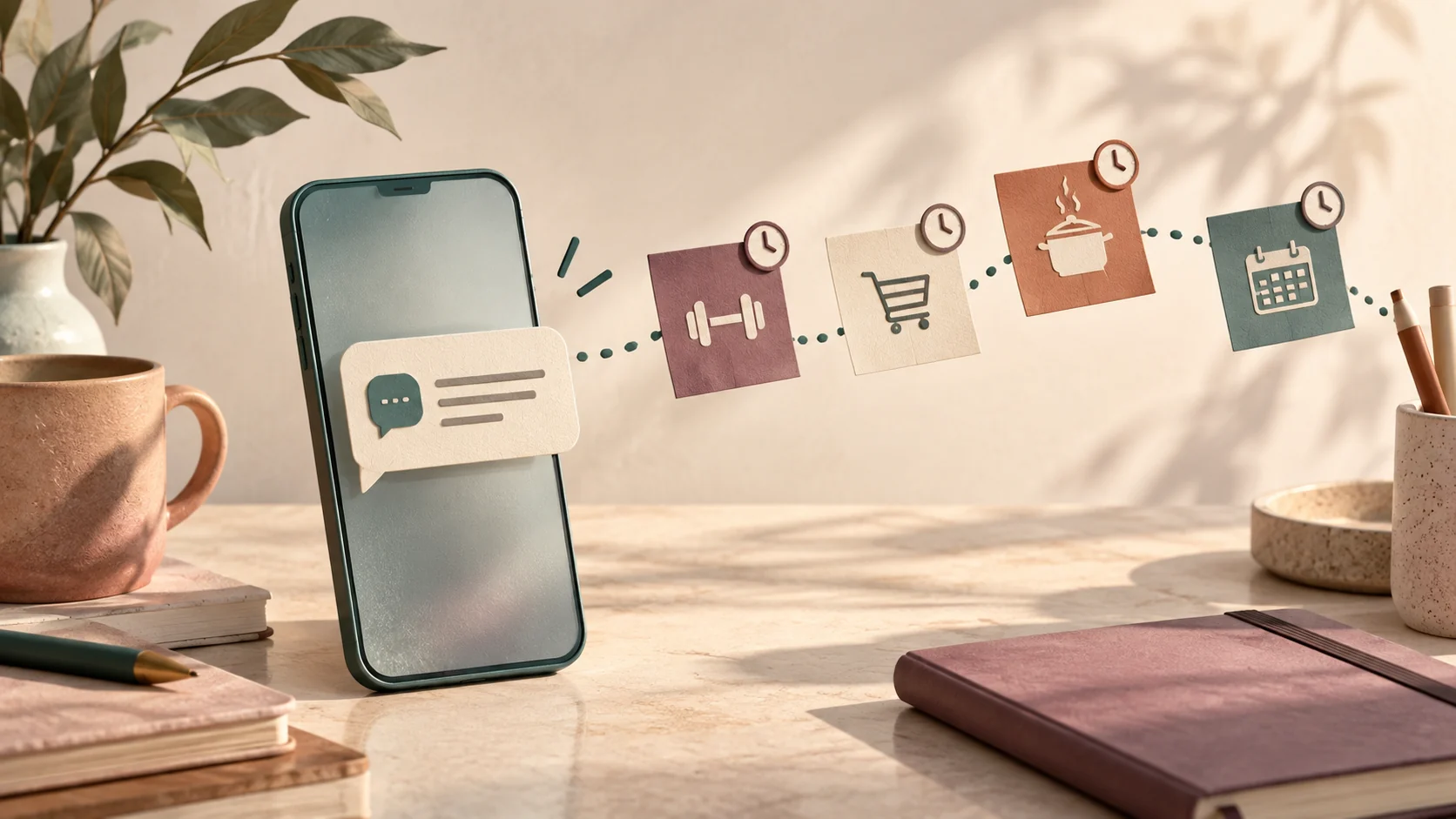
A text reminder delivers a prompt to your messaging thread at an agreed time. Unlike standard push notifications, which gather in a fleeting phone shade alongside marketing pings, a text message sits inside your messaging app as an unread thread. You cannot dismiss it with a single accidental swipe across your lock screen.
There are three common ways people receive reminders by text:
- Operating system shortcuts and automation: Both iOS Shortcuts and Android automation tools allow you to schedule an automated SMS sent from your own phone number directly back to yourself or stored as a draft.
- Dedicated SMS utility services: Web services give you a dedicated phone number. You send a text such as "remind me at 5pm to call the pharmacy", and their server queues the incoming prompt and sends a return message when the clock strikes 5:00 PM.
- Personal texting assistants: Services such as Folk (Nozomio's personal texting assistant at folk.com) provide an ongoing conversation thread over SMS or iMessage. These assistants interpret conversational phrases, remember conversational context you share, and return a text reminder when requested.
Each option trades off complexity, cost, and conversational flexibility. Built-in phone automations require manual setup per rule, whereas conversational texting assistants interpret natural language without requiring rigid command syntax.
Comparing Text Reminder Options: Pros, Cons, and Reliability
Choosing how to receive reminders depends on your device setup, comfort with third-party tools, and how often you need quick, unplanned prompts throughout the day.
| Method | How You Set It Up | Best Used For | Key Tradeoffs |
|---|---|---|---|
| Phone Shortcuts / Native Automation | Create a recipe in iOS Shortcuts or Android automation to text yourself | Fixed recurring habits like packing your bag or daily bills | Rigid syntax; difficult to reschedule on the fly without editing the script |
| Dedicated SMS Reminders | Text a bot number with a command format (e.g., "remind 2h laundry") | Quick single tasks during computer-free moments | Strict syntax requirements; carrier filtering can delay messages |
| Conversational Texting Assistant (e.g., Folk) | Text natural sentences to an AI assistant contact over SMS or messaging app | Complex reminders with context, natural timing, and follow-ups | Requires an active messaging subscription or service account |
| Calendar Email-to-SMS Gateway | Set a calendar alert to email your carrier's SMS gateway address | Deadlines already managed inside Google Calendar or Outlook | Email-to-SMS gateways are deprecated or throttled by several major cellular carriers |
For daily personal tasks, keeping friction low is vital. If typing a reminder requires five taps and date pickers, people postpone setting it. If sending a text requires only speaking or typing five words, capture rates improve immediately.
Step-by-Step: Setting Reminders via Text in Ten Minutes
You do not need specialized software engineering to build an effective text reminder routine. Here is how to configure two practical approaches today.
Option A: Using a Conversational Texting Assistant
- Add the contact: Save your texting assistant's phone number as a clear contact in your phone (for instance, "My Assistant"). Pin that conversation to the top of your messaging app so it remains visible.
- State the action, time, and detail: Send a natural message: "Remind me tomorrow at 8:30 AM to bring the signed lease to the rental office."
- Check the confirmation text: A functional assistant will reply with a confirmation acknowledging the date, time, and message text. If the time is wrong, correct it immediately in the same thread: "Change that to 9:15 AM instead."
- Reply to clear or snooze: When the reminder arrives, you can reply "snooze 30 minutes" or mark it done depending on the service's supported commands.
Option B: Building an iOS Shortcut to Text Yourself
- Open the built-in Shortcuts app on your iPhone.
- Create a new shortcut named "Quick Text Reminder".
- Add the Ask for Input action, set to Text, with the prompt "What should I remind you about?".
- Add the Send Message action. Set the recipient to your own phone number, and set the message body to the provided input.
- Turn off Show When Run so the message transmits immediately to your own thread, placing a fresh unread badge on your Messages app.
Worked Example: Structuring High-Clarity Reminder Prompts
Text reminders fail most often when the prompt is vague. If you receive a text saying "Check document" while standing in a grocery aisle, you will likely swipe it away because the action requires too much mental effort to decipher.
Consider this real-world comparison of weak versus clear reminder prompts:
- Vague: "Remind me about the dentist later."
Clear: "Remind me at 2:00 PM to call Dr. Warren's office at 555-0192 to reschedule Tuesday's cleaning." - Vague: "Trash night."
Clear: "Remind me tonight at 7:30 PM: Bring blue recycling bin and grey trash bin to the street before street cleaning." - Vague: "Review budget."
Clear: "Remind me Saturday at 10:00 AM: Open spreadsheet, check pending utility bills, and review weekly grocery total."
Including the phone number, specific link, or next immediate action inside the text body eliminates friction. When the alert pings your phone, you can execute the task in thirty seconds without searching for background details.
Common Text Reminder Pitfalls and How to Avoid Them
While text reminders are convenient, several mobile settings and technical quirks can cause missed alerts. Watch out for these four common errors:
- Focus and Do Not Disturb filters: Modern smartphones aggressively silence unknown senders. If your reminder service uses a shortcode or toll-free number that is not in your address book, your phone may silence the ping entirely. Remedy: Create a dedicated contact card for the reminder number and enable Emergency Bypass for sound or add it to your Focus exception list.
- Ambiguous time horizons: Phrasing like "remind me next Monday" on a Sunday evening can confuse both humans and automated parsers. Specify exact dates or times whenever possible (e.g., "Monday, Oct 14 at 9:00 AM").
- Carrier SMS filtering: Mobile network operators occasionally flag repetitive automated SMS messages as spam, causing silent drops or fifteen-minute delivery delays. If a task has a strict deadline, pair your SMS alert with a native calendar notification.
- Treating reminders as a permanent notebook: Text threads scroll off screen quickly. Do not use a text reminder bot as your primary project tracker. Use it for time-sensitive nudges, keeping extensive documentation inside a proper notebook or workspace.
What to Do When a Text Reminder Fails
Even well-configured reminder systems encounter dead phone batteries, carrier outages, or lost mobile data connections. Here is a simple fallback procedure to protect important deadlines:
- Use dual-channel alerts for critical commitments: For tasks with severe consequences (like taking time-critical medications, catching a flight, or attending a legal appointment), never rely solely on an incoming SMS. Use your phone's native alarm clock alongside any text service. As noted by health authorities, self-care routines require reliable personal structure (NIMH Self-Care Guidance).
- Audit your reminder thread weekly: Open your texting assistant or automated thread once a week. Review pending prompts and delete stale instructions so the conversation history remains clean and easy to skim.
- Test after traveling across time zones: Moving to a different time zone can misalign scheduled server alerts. When you travel, send a test prompt (e.g., "Remind me in 5 minutes") to confirm your tool parses your local time correctly.
Expanding Beyond Text Pings with Super
A text reminder is ideal for brief, immediate nudges. However, when an incoming reminder requires gathering research, filling out a form, or running an interactive checklist, a single SMS string reaches its limit.
Super expands messaging workflows into tangible, interactive artifacts. While a mobile assistant replies with text, Super can generate hosted interactive websites, provide cloud browser sessions, and execute app automations. Super is accessible via SMS, web, mobile apps, a desktop Mac client, and a Chrome extension. It also offers a hosted Model Context Protocol endpoint at https://app.getsupers.com/mcp, a desktop CLI, and repeatable computer-use caching that routes misses to upstream model calls.
Instead of receiving a flat text saying "Review quarterly expenses", a connected workflow can produce an interactive budget checklist where you adjust figures locally and download records. When you need more than a text notification, pairing messaging capture with a full workspace bridges the gap between remembering a task and getting it done.
Common questions
Can I receive text reminders without paying for a subscription?
Yes. You can use your phone's built-in automation apps, such as Apple Shortcuts on iOS or automation tools on Android, to send free scheduled messages to your own number. You can also configure calendar alerts to send free email notifications to your device.
Why did my scheduled text reminder arrive ten minutes late?
Text messages travel across commercial cellular carriers that prioritize peer-to-peer traffic over automated application traffic. During peak cellular hours, automated SMS gateways can experience queuing delays. If precise timing to the minute is mandatory, use a local device alarm.
Will text reminders still make sound if my phone is on silent?
Not by default. Standard SMS messages follow your phone's ring/vibrate switch and Focus modes. To allow reminders through, add the reminder sender to your contacts, set their notification tone to Emergency Bypass on iOS, or whitelist the contact in Android's Do Not Disturb exceptions.
What is the difference between Folk and a standard SMS reminder service?
Folk (folk.com) is Nozomio's personal texting assistant designed for ongoing conversational messaging and skills, rather than a single-purpose command line bot. Standard SMS bots generally require strict keyword formulas like 'REMIND 10AM', while conversational texting assistants understand natural language sentences.
Editorial note: Super publishes this guide. Topic research includes Folk’s article on this topic. This is an independently written guide, not an affiliation or a tested product ranking. Product capabilities can change; review current documentation before choosing a service.