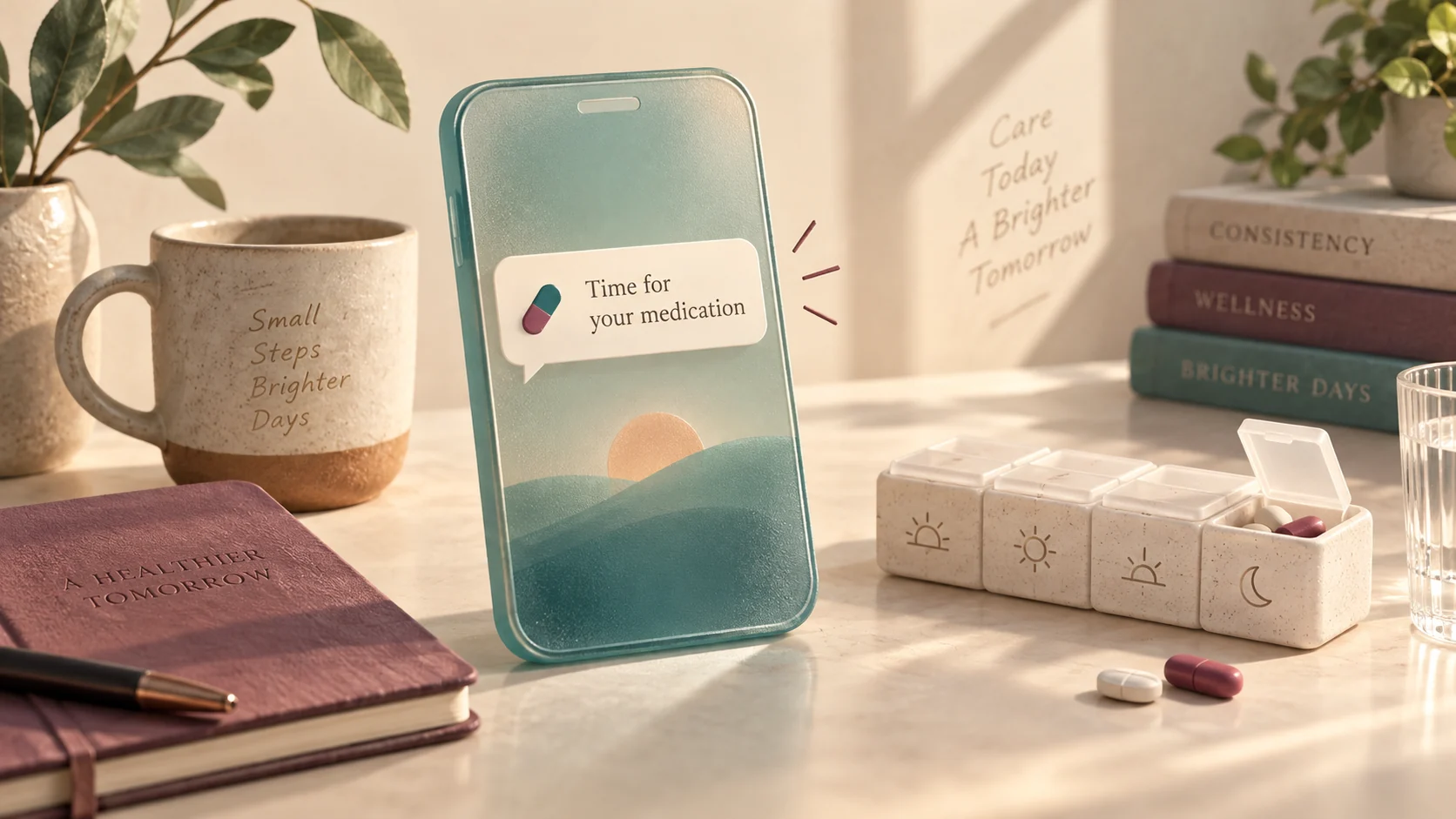
Why text messages work when specialized apps get ignored
Missing an everyday dose is rarely an issue of willpower. It happens when life breaks the delicate chain between seeing an alert, walking to the medicine cabinet, and taking the pill. Research into self-care routines shows that reliable habits depend on clear, repeatable triggers. For example, guidance from the National Institute of Mental Health emphasizes that regular daily routines support personal health, while acknowledging that self-management tools support personal wellbeing rather than replacing professional care.
Dedicated pill-tracker applications often look ideal on paper, but they suffer from alert blindness. When a custom app delivers a silent banner or badge icon, it is easy to swipe it away while reading work emails or checking news. Once dismissed, that reminder disappears from your immediate view.
SMS text messages behave differently on your mobile device. Texts sit in your primary inbox alongside messages from family, friends, and coworkers. If a notification arrives while your hands are full, the unread badge stays visible on your home screen until you open the conversation. Furthermore, texting does not require downloading another app or keeping third-party background app refresh toggled on.
Three ways to set up text-based reminders
Depending on your technical comfort and your phone setup, you can establish text alerts through three practical methods:
- Scheduled texts using phone automations: On Apple devices, the built-in Shortcuts app can send an automated SMS to your own phone number at fixed times every day. On Android, Google Messages supports scheduled texts, or you can use device routines. This approach is completely free, stays on your device, and requires no third-party account.
- Calendar email-to-SMS triggers: Most major cellular carriers provide an email gateway (such as
number@vtext.comfor Verizon ornumber@tmomail.netfor T-Mobile). You can create recurring calendar events in Google Calendar or Outlook that send event notifications to your carrier email address, which then translates the notification directly into an incoming SMS. - Conversational personal texting assistants: Services like Folk (developed by Nozomio Labs) act as personal texting assistants over SMS. You text the service naturally with your schedule—such as asking it to text you every morning at eight o'clock—and it replies directly in your SMS thread. Other tools, including Super, provide cloud app automations, sandboxes, and desktop client integrations when you want hosted artifacts and interactive dashboards.
A step-by-step example: Building an Apple Shortcuts SMS trigger
To demonstrate how simple local text reminders can be, consider a fictional reader named Marcus. Marcus wants a consistent reminder for his evening wellness routine every day at 8:00 PM. Here is how Marcus sets up a recurring daily SMS without installing any third-party app:
- Open the built-in Shortcuts app on an iPhone or iPad.
- Tap the Automation tab at the bottom, then choose New Automation.
- Select Time of Day, set the clock to 8:00 PM, and choose Daily. Set the trigger to Run Immediately without confirmation.
- Tap Next, then tap New Blank Automation.
- Search for the Send Message action. In the message field, type:
Evening routine check: Drink a glass of water and review the bedside organizer. - In the recipient field, Marcus selects his own contact card or types his personal mobile phone number.
- Tap Done to save.
Every night at 8:00 PM, Marcus receives a real text message from himself. If he is driving or putting dinner dishes away, the unread text stays marked on his phone until he sits down and attends to it.
Comparing reminder methods: Built-in tools, SMS assistants, and app alerts
No single method fits every household. The table below outlines the practical tradeoffs among common reminder setups:
| Reminder Method | Setup Complexity | Privacy Profile | Interactive Follow-Up | Failure Mode |
|---|---|---|---|---|
| Phone Automations (Shortcuts / Routines) | Moderate (requires 5-10 minutes of initial setup) | High (all data stays on your local device) | None (one-way message alert) | Device powered off, do-not-disturb silencing, or automation toggled off. |
| Calendar Email-to-SMS Gateway | Low to Moderate (requires carrier gateway address) | Moderate (calendar service stores text data) | None (plain delivery notification) | Carrier gateway delays or email spam filter drops. |
| Personal Texting Assistants (e.g., Folk) | Very Low (text your schedule in conversational English) | Service Dependent (messaging provider stores logs) | Yes (you can reply, snooze, or adjust times in conversation) | Carrier filtering, roaming interruption, or subscription pause. |
| Dedicated Health Tracking Apps | Low (download app and add items) | App Dependent (account creation usually required) | Yes (in-app logging and push banners) | App background refresh disabled, silent notification dismissal. |
Pairing text reminders with physical anchor habits
A text message alerts your brain, but your hands still need to complete the action. Behavioral psychologists suggest linking digital prompts to an existing physical anchor.
For example, if your text arrives at 7:30 AM, place your weekly pill organizer right beside your morning coffee maker or electric kettle. When your phone buzzes on the counter, the physical pills are already within arm's reach. You avoid the hazard of saying, "I will grab it in five minutes," only to sit down at your computer and forget entirely.
If you have evening routines, place your organizer on your bedside table next to your phone charger. When your evening SMS notification chimes, plugging in your phone serves as the immediate reminder to complete your routine.
Common errors and how to avoid missed notifications
When text reminder systems fail, it is usually due to one of four predictable snags:
- Focus and Do Not Disturb filters: Modern smartphones aggressively silence unknown senders during sleep or focus modes. If you use an automated service, add the service's shortcode or telephone number to your phone contacts and enable emergency bypass or allowed notifications during Focus hours.
- Carrier spam filtering: Automated text messages containing clinical phrases or repetitive keywords can occasionally be flagged by cellular carriers as promotional spam. Use descriptive, personal phrases like "Morning routine check" rather than commercial product terminology.
- Time zone shifts during travel: If you travel across time zones, phone automations set to local clock times might fire too early or too late relative to your regular interval. Always consult your prescribing clinician or pharmacist before shifting scheduled routines across time zones.
- Marking as read without acting: If you tap open a text message while in the middle of a conversation, you remove the unread indicator. Build a personal rule: never open or mark the reminder as read until the action is completed.
Expanding routine management with Super
Published by Super. While an SMS reminder is ideal for quick daily prompts, organizing family health routines or coordinating care for an aging parent often requires more than chat notifications. Super allows you to generate hosted interactive websites, inspect records with cloud browsers, and run sandboxes for testing routine workflows.
Through hosted Model Context Protocol (MCP) connections at https://app.getsupers.com/mcp, a desktop Mac client, Chrome extension, and cloud app automations, Super can turn a text schedule into a shareable web reference card for a caregiver or family member. Super utilizes caching where cache hits replay stored responses and cache misses call upstream models. While personal texting assistants like Folk focus on direct SMS dialogue, Super expands your options whenever you need interactive dashboards and local web tools alongside your reminders.
Practical next steps to build your reminder routine today
You do not need a complicated system to get started. Follow these four steps today:
- Use the SMS Reminder Delivery & Quiet-Hours Collision Simulator above to test whether your phone's Focus or quiet-hours windows will inadvertently suppress or cluster your scheduled SMS notifications.
- Download the delivery simulation JSON file to verify that your delivery fallback rules respect your routine without dropping alerts.
- Choose one delivery method: set up an Apple Shortcut, configure an Android scheduled text, or message a personal texting assistant.
- Test the setup immediately by scheduling a practice text to fire two minutes from now, confirming your phone sounds an audible alert.
Common questions
Can I receive text reminders if I do not have a smartphone?
Yes. Standard SMS text messages do not require an iOS or Android smartphone. As long as your mobile phone can receive text messages over a cellular network, calendar email-to-SMS gateways or personal texting services will reach you reliably.
What should I do if a reminder arrives while I am away from home?
Keep the text message marked as unread. Many messaging apps also let you pin the conversation to the top of your message list or flag it for later. Carry a small pocket pill case on your keychain for emergency doses away from home.
Does this guide provide clinical medical advice?
No. This guide and the accompanying browser tool provide organizational and productivity instructions only. Never alter medication doses, frequencies, or timing without explicit guidance from your physician or licensed pharmacist.
Can personal texting assistants like Folk understand rescheduling requests?
Personal texting assistants built on conversational models can typically understand natural phrasing such as 'remind me again in thirty minutes.' Built-in phone automations, by contrast, send fixed alerts and do not adapt dynamically unless you manually edit them.
Editorial note: Super publishes this guide. Topic research includes Folk’s article on this topic. This is an independently written guide, not an affiliation or a tested product ranking. Product capabilities can change; review current documentation before choosing a service.