What Does "Lock In" Mean in Modern Slang?
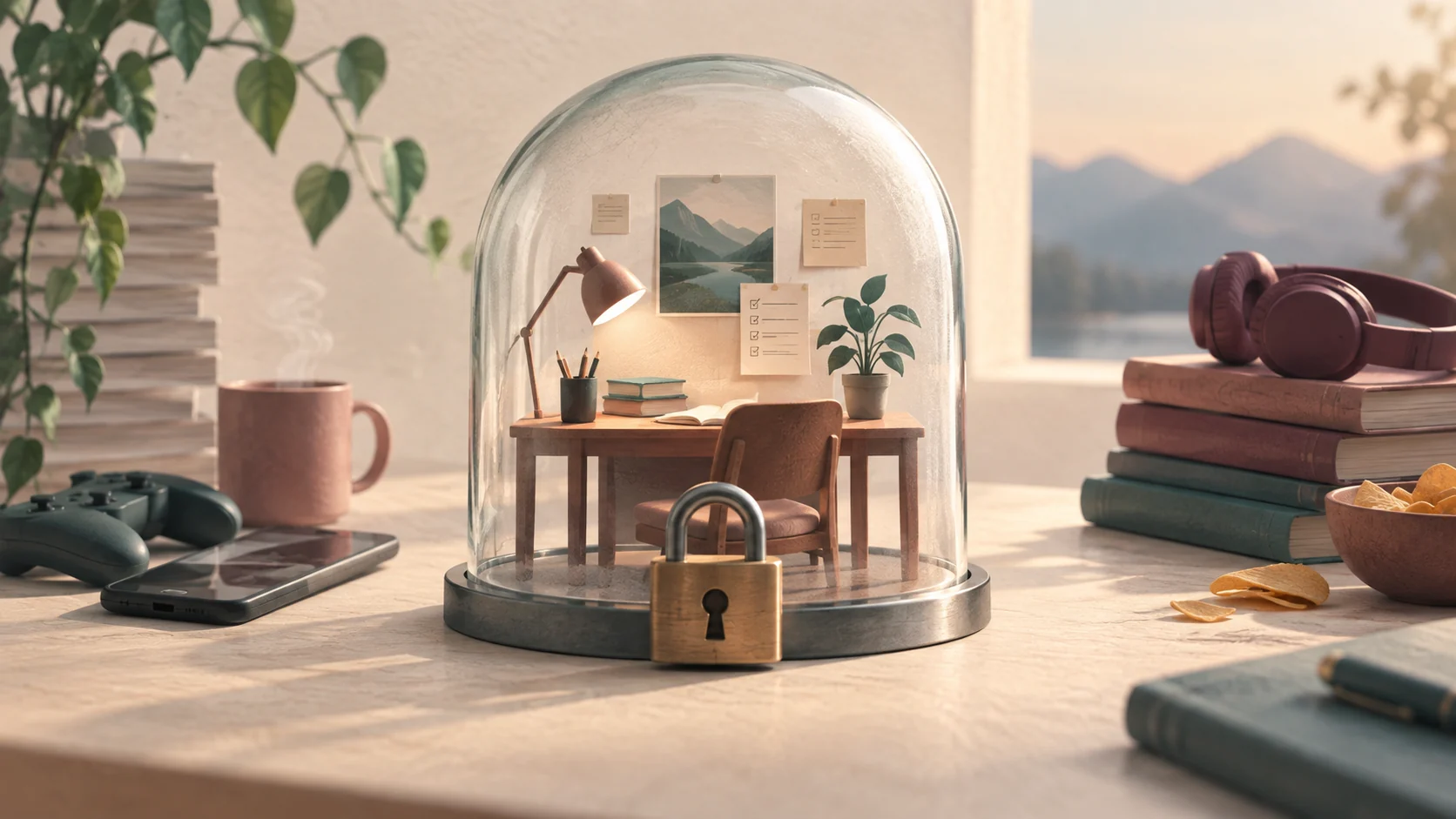
In contemporary internet culture, gaming, and student communities, to "lock in" means entering a state of complete, undistracted immersion on a challenging assignment, game, or objective. When someone says it is "time to lock in," they mean they are silencing secondary notifications, ignoring side conversations, and channeling their working memory into one specific outcome.
The expression originated in traditional athletics, where coaches and players describe a team being "locked in" before a championship matchup or high-stakes play. It gained renewed life within competitive esports and multiplayer gaming, where a sudden clutch moment or ranked match demands rapid reflexes and unwavering visual focus. From there, social media platforms and student study groups adopted the phrase as a rallying cry during midterm exams, final grading periods, and difficult project deadlines.
A Worked Example: How a Locked-In Session Works
To understand the difference between casual work and locking in, consider an afternoon scenario involving a student or knowledge worker preparing a quarterly review:
- Ordinary study/work session: You sit down with a spreadsheet or textbook. Your phone rests on the table, illuminating every few minutes with group chat alerts. You browse three separate research tabs while answering instant messages, feeling constantly occupied yet finishing very little.
- Locked-in sprint: You define a single milestone—for example, calculating three balance figures or writing 400 words of an analysis. You silence non-urgent devices, place them outside arm's reach, open only the necessary source documents, and run a timer for 45 minutes. When thoughts drift or minor chores pop into your head, you jot them on a paper scrap to check later, keeping your working thread intact until the interval buzzer sounds.
By protecting that block from task switching, you spare your brain the cognitive friction called attention residue, which happens whenever you switch between email, chat apps, and deep analytical problem-solving.
Common Misunderstandings and Pitfalls
While locking in is a valuable habit, the slang around it sometimes turns into performative productivity or unsustainable hustle culture. Recognizing healthy boundaries keeps the practice useful over the long run.
| Myth or Mistake | Reality | Healthy Adjustment |
|---|---|---|
| Locking in means ignoring fatigue or illness. | Cognitive stamina is finite. Pushing through severe exhaustion creates sloppy mistakes and prolonged recovery. | Respect sickness or mental exhaustion. Take real sleep, food, and restorative downtime first. |
| A lock-in session must last six unbroken hours. | High-intensity focus naturally degrades after 45 to 90 minutes for most adults. | Break long afternoons into two or three discrete blocks separated by movement and screen breaks. |
| Multitasking faster counts as locking in. | Juggling five active windows fragments your memory and raises error rates. | Commit to exactly one tab, document, or physical workbook per session. |
According to the National Institute of Mental Health, practical self-care includes recognizing your physical limits, maintaining regular sleep habits, and setting priorities to manage stress without demanding perfectionism.
Trade-offs and Flexible Alternatives
Operating in a locked-in state carries clear organizational trade-offs. While you gain significant depth and momentum on the focal task, your responsiveness to incoming messages drops to zero during that block. Colleagues or family members expecting instant answers may perceive you as unavailable.
If total isolation is not practical for your role or family situation, you can try these lighter alternatives:
- The 20-Minute Triage: Instead of a long deep-work sprint, give yourself 20 minutes to clear small, nagging administrative bottlenecks before settling into focused mode.
- Asynchronous Office Hours: Communicate to coworkers or roommates that you will be unavailable between 10:00 AM and 11:30 AM, but will check all pending inquiries immediately afterward.
- Low-Stakes Pomodoros: Use 25-minute sprints followed by 5-minute pauses. This interval provides frequent checkpoints so you do not feel locked away from urgent events.
Five Steps to Execute a Genuine Focus Sprint
- Define the explicit finish line: Instead of writing "study biology," write "summarize enzyme reactions on page 84 through 92." A concrete target prevents aimless browsing.
- Strip down your sensory environment: Close all extraneous browser tabs. Turn off social media desktop notifications. If ambient noise is distracting, turn on instrumental music or steady pink noise.
- Establish a parking lot notepad: Keep an analog notepad next to your keyboard. When a random unrelated thought arrives—like remembering to pay a utility bill or buy groceries—write it down in five words and return immediately to your work.
- Time-box the sprint: Decide in advance whether you will work for 30, 45, or 60 minutes. Commit to stopping or pausing when the alarm rings so you can evaluate progress.
- Take a true mental break: When the sprint concludes, get up from your desk, stretch, drink water, or look out a window. Staring at social media feeds on your break keeps your visual cortex engaged and exhausts working memory.
Expanding Focus Workflows with Super
Understanding your cognitive curve is the foundation of genuine productivity. Complex operational work often requires running recurring focus sprints alongside live web applications and data sources without breaking your workflow. This article is published by Super.
Super provides hosted interactive websites, cloud sandboxes, and cloud app automation accessible via desktop, Mac client, Chrome extension, web, and SMS. For example, if your weekly research sprint involves compiling documentation across multiple staging portals, Super can run those cloud browser checks in an automated sandbox while you stay locked into writing your summary document.
Additionally, developers can link workflows to a hosted Model Context Protocol (MCP) server at app.getsupers.com/mcp, allowing desktop AI clients to coordinate repeatable tool runs. Under the hood, cache hits replay stored responses while cache misses call upstream models. Rather than switching contexts to monitor background jobs manually, you can protect your immediate working memory while cloud tools handle background steps.
Common questions
Is 'locking in' the same as hyperfocus or flow state?
They are related but distinct. Flow state is a psychological condition where a person is fully absorbed and energized by an activity, often losing sense of time. Hyperfocus is an intense, sometimes involuntary fixation common in neurodivergent individuals. Locking in is the deliberate choice and behavioral commitment to set aside distractions and attack a specific priority.
How long should a lock-in session last?
For most people, high-intensity cognitive work starts losing effectiveness after 45 to 90 minutes without a break. Starting with a 25-to-45-minute sprint is ideal for testing your stamina before attempting longer blocks.
What should I do if I keep getting distracted during a session?
Do not scold yourself. Distraction is normal when mental resistance is high. Make the task smaller (e.g., commit to drafting just two sentences or reading one page) and write intrusive thoughts onto a physical notepad to address later.
Does locking in mean working without breaks?
No. Effective focus relies on regular recovery periods. Skipping breaks leads to rapid cognitive fatigue, reduced retention, and careless errors on analytical work.
Editorial note: Super publishes this guide. Topic research includes Folk’s article on this topic. This is an independently written guide, not an affiliation or a tested product ranking. Product capabilities can change; review current documentation before choosing a service.