The original material
Keep a readable board snapshot, editable text where available and the actual source files. A PNG may preserve arrangement but cannot substitute for an editable document or original image.
Milanote alternatives: choose Miro for a shared workshop canvas, Notion for structured documentation, or explore Storyflow for visual project planning. Staying in Milanote can be the right answer when its board is already doing the job.
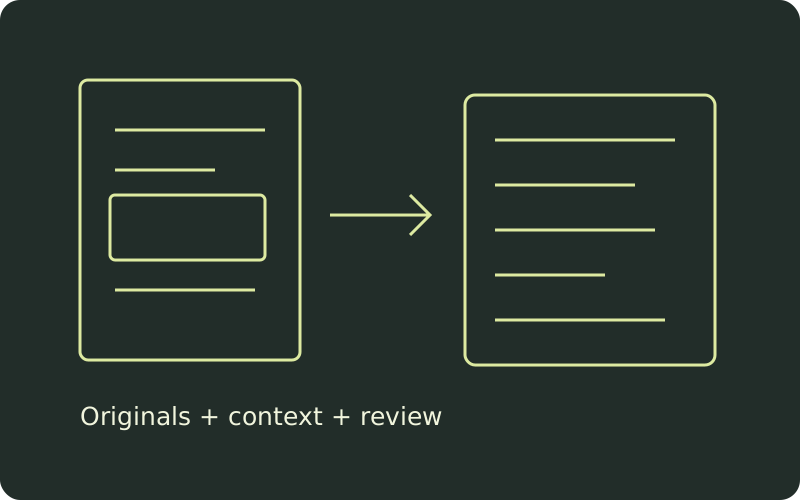 to survive.
Keep a readable board snapshot, editable text where available and the actual source files. A PNG may preserve arrangement but cannot substitute for an editable document or original image.
Record owner, intended use and what needs rebuilding. A folder of unexplained files is a transfer, not a handoff.
Try one representative board or project before moving everything. Inspect layout, links, relationships and collaborator access in the actual destination.
Hash the selected bytes, review destination paths and retain a manifest. This catches a changed asset or an accidental overwrite without pretending to validate the destination app.
Keep Milanote when arranging references and work into visual boards is already useful and the problem is handoff hygiene rather than the canvas. Its official export guide separates visual PDF/PNG output from linear Word, Markdown and plain-text formats. It also describes downloading board files and images as a ZIP. The home board cannot be exported.
Export choice matters: a visual snapshot helps somebody understand arrangement; a linear document helps them read or import text; original assets let them continue the work. None alone proves that live comments, relationships or permissions have moved. Before replacing the workspace, try improving naming, ownership and the review process on one existing board.
Milanote: exporting your workChoose Miro when the next job is a broad shared canvas for workshops, discussion and visual collaboration. Its documented device-upload and drag-and-drop routes provide ways to bring files onto boards. They do not establish a one-click conversion of a Milanote workspace into editable native board objects.
Miro supports comments and threads, including mentions and resolution. Its comments documentation explicitly says comments cannot be exported. Treat review history as a separate retention task rather than assuming a file export carries it. Test a real PDF or image alongside the workshop activities you need, and check readability at the zoom your collaborators actually use.
Miro: uploading files · Miro: commentsChoose Notion when the important next step is searchable documentation and properties on records. The current import guide supports text and Markdown, including ZIP imports preserving folder structure. Headings, lists and code blocks are supported; anchor links and advanced or nonstandard Markdown require checking after import. A spatial board is not a database schema.
CSV import maps rows to database pages and columns to properties. New CSV imports cannot create rollups, formulas or new relations. When adding CSV to an existing database, a column can map to an existing relation property. Import or merge adds rows rather than updating existing rows, so inspect duplicates. Design a small destination schema first: asset title, owner, purpose, source reference and review state. Then test one import, instead of rebuilding structure from an unexplained pile of files.
Notion: current import formats and limitationsExplore Storyflow when references and drafts need to sit beside a plan with phases, people, dates and status. Its current visual project planning page describes a shared planning canvas and board-style task views. That is a promising workflow direction for teams whose creative board needs a clearer route to delivery.
The retrieved product page does not establish a lossless Milanote importer or parity with Miro comments or Notion relations. Test your own representative planning task and collaborator workflow before moving a live project. This comparison does not assert current pricing or standalone free-plan availability; check the vendor’s current access terms separately.
Storyflow: visual project planningIf the team needs to rearrange ideas together, test the canvas with a real workshop before comparing import convenience.
Run a single-board rehearsal: snapshot → editable text → originals → destination review. Preserve the old workspace until someone checks the new one.
Choose actual exports and assets, assign each a destination path and owner, then calculate SHA-256 hashes and build a ZIP with JSZip 3.10.1. Files are processed in this browser tool; it does not log in to or import into any vendor. The included example is fictional.
Safe relative paths only: use forward slashes, no empty, dot or parent segments, and no absolute paths. Destination names must be unique ignoring case. Original bytes stay intact; duplicate content is reported and retained.
| Original / bytes / SHA-256 | Destination path | Owner | Purpose / review | Handling | Remove |
|---|
Load the fictional example or add your actual exports to begin.
The ZIP contains files under files/ plus manifest.json and README.md. Restore JSON includes full file bytes as base64 and may be much larger. Do not share either with people who should not receive the originals. Changes invalidate downloads. No autosave: export before closing. The tool does not inspect file safety, verify licenses, restore comments, recreate layout, convert formats, or confirm import compatibility. SHA-256 checks byte identity, not authenticity or ownership.
Pick one reviewer and write acceptance checks: the main document is readable, important links resolve, original assets open, new owners can find the work, permissions are correct, and required relationships exist. Record what you had to rebuild. That effort is more useful than a generic feature count when deciding whether to move the remaining boards.
The generated manifest is a practical transfer record, not a security attestation. Preserve a separate source backup. Compare exported hashes if you need to confirm byte identity after transfer; inspect the actual destination to confirm workflow behavior.
No. It preserves the chosen file bytes and your handoff notes. Spatial layout, live links, comments, permissions and database relationships need a separate destination review or rebuild.
No. Identical SHA-256 hashes identify identical selected bytes. Two copies may still belong to different destinations or carry different handoff instructions. This tool keeps both.
Capabilities above are drawn from the linked official material. Recommendations are editorial judgments about fit, not measured commercial product performance. Confirm access terms and run your own destination test.