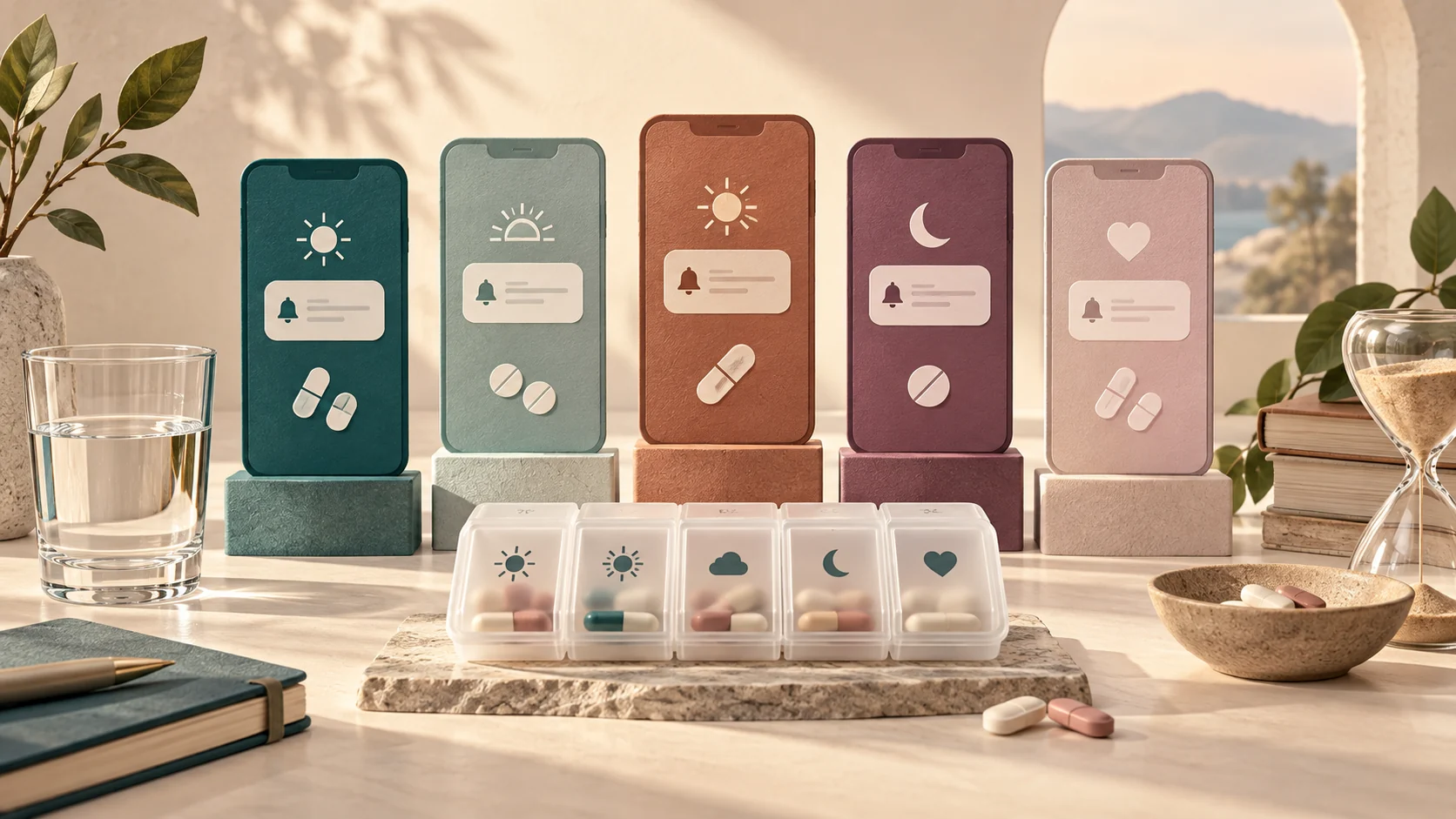
The Three Core Approaches to Medication Reminders
When organizing a daily health or supplement routine, most people default to searching the mobile app stores for dedicated pill apps. While those tools offer specialized logs, they are only one of three primary notification setups. Finding the right format comes down to how your brain handles interruptions and where you keep your attention during the day.
| Reminder Method | Key Strengths | Common Failure Points | Ideal Match |
|---|---|---|---|
| Dedicated Medical Apps | Refill logs, interaction warnings, caregiver alerts | App clutter, complex interfaces, push notification numbness | Multiple complex prescriptions, shared family caregiving |
| Conversational SMS / Assistant Messages | Lives inside existing text feeds, feels human, no separate app icon | Network delivery variance, easy to mark as read without action | People who ignore app banners but always read incoming texts |
| Built-in Phone Alarms & Reminders | Zero subscription fees, works offline, persistent audio chimes | Lacks historical adherence logs, no contextual refill tracking | Simple, single-dose daily routines tied to fixed times |
Why Traditional App Notifications Stop Working
The central difficulty with reminder software is rarely a lack of alarms; it is alert fatigue. When your phone delivers dozens of notifications each morning—from work emails to retail promotions—a medication notification quickly blends into background noise. Over time, your thumb develops muscle memory, swiping away banner alerts before you even stand up to take the pill.
According to health resources such as the National Institute of Mental Health, self-care routines require sustainable daily patterns. Software alerts work best when paired with an observable environmental cue, known as habit anchoring. For instance, rather than scheduling an alarm for an arbitrary time like 3:15 PM, anchoring your reminder to a physical event—such as pouring your afternoon tea or packing your laptop bag—creates a dual trigger that keeps the habit alive even if your phone is muted.
Evaluating Reminder Apps: A Practical Feature Checklist
Because app catalog offerings change constantly, evaluating an option based on functional criteria is far more reliable than relying on static star ratings. Use this checklist when testing any platform:
- Snooze Flexibility: Does the app allow you to postpone an alert by ten, twenty, or sixty minutes? If an alert only allows 'Done' or 'Dismiss', you are forced to mark it finished before taking the dose or risk forgetting it entirely.
- Offline Reliability: Will recurring reminders fire when you are on an airplane, in an underground garage, or dealing with cellular outages? Built-in system reminders handle this natively; web-reliant apps may fail.
- Privacy & Advertising: Does the developer sell browsing or health habit telemetry to third-party ad networks? Review whether the tool requires creating an account simply to store two reminder times.
- Refill Awareness: Can you log total remaining quantities so the system prompts you a week before you run out, avoiding emergency pharmacy trips?
- Multi-Timezone Handling: If you travel across timezones, does the app shift your interval (e.g., exactly every 24 hours) or lock to local clock hours?
A Worked Example: Building a Resilient Two-Dose System
Consider an individual named Jordan, who takes a thyroid supplement on an empty stomach first thing in the morning, followed by a multivitamin with dinner. In the past, Jordan tried a feature-heavy pill tracking app with animated badges, but abandoned it within three weeks because logging every tablet felt like a chore.
To build a low-friction setup, Jordan separated the two items by context instead of relying entirely on high-friction notifications:
- Morning Dose: Jordan placed the bottle directly on top of the bathroom water tumbler. A simple recurring 7:00 AM native alarm serves as a backup, but the physical location is the primary trigger. Because Jordan must use the tumbler to brush teeth, the cue cannot be bypassed.
- Evening Multivitamin: Since dinner happens at variable hours between 6:30 PM and 8:30 PM, a rigid clock alarm was failing. Jordan set a low-priority calendar reminder tagged to dinner prep, keeping the bottle on the pantry shelf next to the cooking oil.
By treating digital notifications as safety nets rather than the sole driver of the habit, Jordan eliminated alert frustration while keeping a consistent routine.
Common Setup Errors and How to Prevent Them
When configuring any reminder tool, watch out for these frequent mistakes:
- Premature Clearing: Tapping 'Mark as Taken' while sitting on the sofa before you actually stand up and swallow the tablet. Always keep the notification visible until the glass of water is in your hand.
- Notification Overload: Setting separate loud alarms for six different vitamins across the day. Group items that can be safely taken together into a single time slot after checking with your pharmacist.
- Ignoring the Weekend Gap: Setting alarms strictly for work days. Saturday and Sunday mornings often involve sleeping in or different morning movements, making weekends the most common time for routines to collapse.
- Assuming Taps Equal Adherence: A digital checkmark proves only that a button was pressed, not that a medication was safely absorbed. Do not treat app logs as absolute clinical proof without personal diligence.
Expanding Routine Management with Super
Super provides flexible everyday assistance across web, desktop, and mobile. When organizing household schedules, Super can generate interactive hosted pages, run tasks across sandboxes and cloud browsers, and execute desktop automations via its Mac client, Chrome extension, and CLI. If you need a shareable family morning checklist or custom routine dashboard connected through its hosted MCP endpoint (accessible at https://app.getsupers.com/mcp), Super expands your setup beyond basic standalone notes.
While Nozomio Labs' personal texting assistant, Folk (folk.com), focuses on conversational chat-based messaging, Super complements your workflow by letting you create custom, hosted artifacts and browser-driven workspace tools tailored to your daily household needs.
What to Do When You Inevitably Miss a Notification
Even the most sophisticated app cannot prevent occasional missed doses. When a disruption occurs, having a predefined backup plan prevents panic and unsafe guesswork:
- Do Not Double Up Blindly: Never take two doses at once simply because you noticed an alert three hours late, unless your physician or drug packaging explicitly instructs you to do so.
- Check the Package Insert: Keep the printed medication guide from your pharmacy in an accessible drawer. Most inserts provide clear 'What if I miss a dose?' rules specific to that compound.
- Call Your Local Pharmacist: Pharmacists are medication specialists and can quickly tell you whether to take the late tablet immediately or skip directly to your next regular time slot.
Common questions
Are free reminder apps safe to use for prescription tracking?
Many free apps are reliable, but you should examine their privacy policies. Some monetization models involve sharing anonymized behavioral or health tracking data with marketing partners. If privacy is paramount, native device reminders (like Apple Reminders or Google Tasks) keep your schedule on-device or within your encrypted personal cloud account.
Can I use SMS or text-based reminders instead of downloading an app?
Yes. Services that send scheduled text messages or conversational assistants like Folk (by Nozomio Labs) let you receive prompts directly inside your SMS or messaging feed. This is especially helpful if you find yourself ignoring standard app banner notifications.
What is the difference between an alarm and a reminder?
An alarm is an audible, persistent chime that usually overrides silent mode and demands immediate dismissal. A reminder is typically a visual notification or banner that can stay on your lock screen until you manually clear it. For time-critical medications, alarms work better; for general supplements, reminders cause less disruption.
Does logging my pills in an app replace medical oversight?
No. Pill reminder tools, whether web apps, native utilities, or SMS services, are organizational aids. They do not review drug interactions, diagnose conditions, or verify safe dosing. Always follow the explicit instructions on your prescription label and consult your licensed provider or pharmacist.
Editorial note: Super publishes this guide. Topic research includes Folk’s article on this topic. This is an independently written guide, not an affiliation or a tested product ranking. Product capabilities can change; review current documentation before choosing a service.