Freeze a review version
Download the segmented text and keep the original script alongside it. Give the review copy a version name you can distinguish from later edits. Exporting the file does not automatically synchronize it with Timbre.
A reviewer needs to know which text and which recording a comment refers to. Segment numbers help only when the script, files and feedback stay aligned.

Download the segmented text and keep the original script alongside it. Give the review copy a version name you can distinguish from later edits. Exporting the file does not automatically synchronize it with Timbre.
Name the corresponding audio files using the same segment order in your own recording workflow. If you insert a new opening, update the mapping instead of quietly reusing old labels.
A note about a mispronounced word should name the segment and the word. A note about pacing should refer to the actual audio duration, not the browser's word-count estimate. Confirm the final recordings after the edits are made.
If segment two gains an extra paragraph, a reviewer using the old text can point to the wrong sentence. Keep the revision version explicit and recheck the file-to-script mapping before delivery.
A long script is easier to rehearse and review in smaller sections. Enter your measured speaking pace and a target segment length to divide the text into ordered word groups. The planner preserves every entered word and reports estimated minutes for each group.
Segmentation is mechanical at word boundaries, so a break can land inside a sentence. Review the transitions yourself. Estimates do not include silence, pronunciation changes or editing time, and no audio is generated by this page.
Inputs are processed in this page. Nothing is submitted to the app or a business. Download a result to keep it; this page does not automatically save your work.
Browser speech is a preview using the voices exposed by your browser and operating system. It is not Timbre's studio narration or a guarantee of Personal Voice availability. This page does not record or export an audio file.
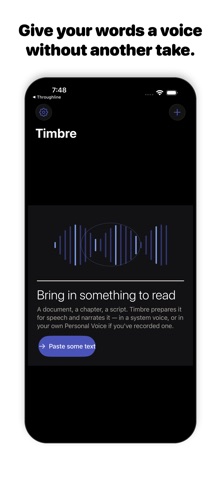
Timbre's listing describes read-aloud work, text preparation, local Apple voices and Apple Personal Voice narration when set up on the device. It also offers online studio voices with a plan allowance.
View Timbre on the App StoreThe current listing requires iOS 26.0 or later. Some features have additional device requirements. Check the listing and purchase screen for current availability and terms.