Choose representative material
Use a section with the names, numbers and sentence structure found throughout the script. A breezy introduction may not represent a technical explanation later in the same document.
A timing estimate is useful only when its pace resembles your real delivery. Measure a representative passage before dividing a longer script into segments.

Use a section with the names, numbers and sentence structure found throughout the script. A breezy introduction may not represent a technical explanation later in the same document.
Count the spoken words and record the actual minutes. Divide words by minutes for a rehearsal rate. Keep the same definition of included pauses when you repeat the measurement; the planner cannot infer that convention.
Enter the measured pace and inspect the estimated durations. If later recordings are slower, revisit the estimate rather than speeding up to obey a convenient number. The iPhone app's narration controls and voice choices are a separate workflow from this browser planning tool.
A 300-word passage takes two and a half minutes at the delivery you like. That observation implies 120 words per minute for this rehearsal, not the faster pace you hoped to use.
A long script is easier to rehearse and review in smaller sections. Enter your measured speaking pace and a target segment length to divide the text into ordered word groups. The planner preserves every entered word and reports estimated minutes for each group.
Segmentation is mechanical at word boundaries, so a break can land inside a sentence. Review the transitions yourself. Estimates do not include silence, pronunciation changes or editing time, and no audio is generated by this page.
Inputs are processed in this page. Nothing is submitted to the app or a business. Download a result to keep it; this page does not automatically save your work.
Browser speech is a preview using the voices exposed by your browser and operating system. It is not Timbre's studio narration or a guarantee of Personal Voice availability. This page does not record or export an audio file.
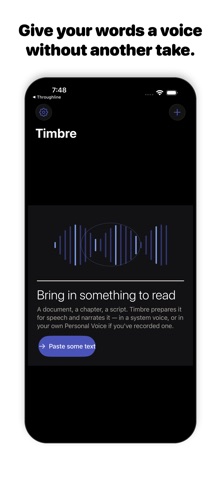
Timbre's listing describes read-aloud work, text preparation, local Apple voices and Apple Personal Voice narration when set up on the device. It also offers online studio voices with a plan allowance.
View Timbre on the App StoreThe current listing requires iOS 26.0 or later. Some features have additional device requirements. Check the listing and purchase screen for current availability and terms.