Preserve the complete text
The planner retains all words in their original order. Check the final group as well as the first; a short ending is still part of the script and should not disappear just to make the sections look even.
Equal-duration text groups are convenient, but good listening depends on ideas arriving together. Use the segment planner as a first pass and review the points where it splits the script.

The planner retains all words in their original order. Check the final group as well as the first; a short ending is still part of the script and should not disappear just to make the sections look even.
A new segment that starts with 'this' or 'as discussed' may lose its context when reviewed on its own. Move the boundary in your source document or add an accurate introduction. The browser does not perform semantic rewriting.
Read the end of one section and the start of the next together. Listen for an abrupt topic jump or duplicated setup. Numbered sections help organize files, but they are not proof that the listener will understand each section independently.
A boundary splits a question from its answer. Keep them in the same section even if the revised durations become uneven; the purpose is a coherent narration, not equal-size text blocks.
A long script is easier to rehearse and review in smaller sections. Enter your measured speaking pace and a target segment length to divide the text into ordered word groups. The planner preserves every entered word and reports estimated minutes for each group.
Segmentation is mechanical at word boundaries, so a break can land inside a sentence. Review the transitions yourself. Estimates do not include silence, pronunciation changes or editing time, and no audio is generated by this page.
Inputs are processed in this page. Nothing is submitted to the app or a business. Download a result to keep it; this page does not automatically save your work.
Browser speech is a preview using the voices exposed by your browser and operating system. It is not Timbre's studio narration or a guarantee of Personal Voice availability. This page does not record or export an audio file.
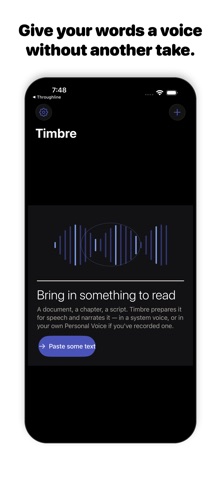
Timbre's listing describes read-aloud work, text preparation, local Apple voices and Apple Personal Voice narration when set up on the device. It also offers online studio voices with a plan allowance.
View Timbre on the App StoreThe current listing requires iOS 26.0 or later. Some features have additional device requirements. Check the listing and purchase screen for current availability and terms.